 Bokeping
Connect your bank
Bring bank activity into Bokeping through a Plaid connection.
In BokepingBanking → Bank transactions
A Plaid connection brings bank or credit card activity into Bokeping for review. It does not replace matching transactions or reconciling against a statement.
Where to go: Banking → Bank transactions → Link Account.
Before you connect
Section titled “Before you connect”Confirm the selected company and use a role that can manage its bank connections. Have access to your bank’s sign-in and verification method.
Plaid connection charges are separate from the software trial. Review the applicable charges before connecting. For a file-based alternative, see import bank transactions.
Connect and select accounts
Section titled “Connect and select accounts”- Choose Link Account to open Connect an Account.
- Choose Connect your bank account to start Plaid. Allow the connection window if your browser blocks it.
- Find your institution and complete its sign-in, verification, and consent steps.
- Select the bank or credit card accounts you want to connect.
- Back in Bokeping, review how each selected account maps to your books. If the account already exists, use the existing account where the setup flow offers it instead of creating duplicate books for the same bank account.
- Review the import start date and any starting-balance information before completing setup. Use your agreed cutover date and statement records; today’s bank balance is not automatically the opening balance for an earlier date.
Check the result
Section titled “Check the result”Return to Banking → Bank transactions and select the account card. Review the connection status and the activity in Pending, including its date range.
A bank balance and a books balance can differ while activity has not been reviewed or transactions have not cleared. Investigate the difference rather than entering an unexplained adjustment.
Do not reconnect the same account just because its first sync has not completed. Check bank feed troubleshooting first.
Next: Review bank transactions.
Recognize the connection screen
Section titled “Recognize the connection screen”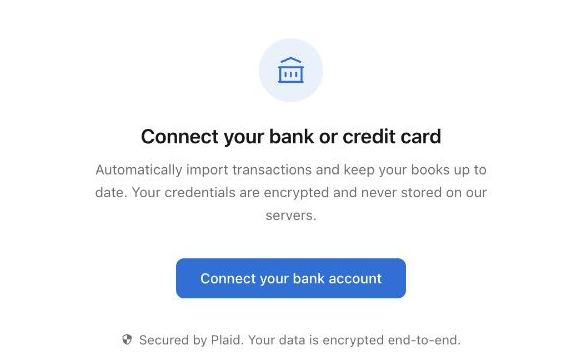
This is the screen before bank authorization. No institution was connected for the guide. Plaid connection charges are separate from the software trial.